

OpenCode
OpenCode.ai is an open-source, model-agnostic AI coding agent designed to bring powerful AI assistance directly into developers’ workflows—whether you are working in the terminal, using a desktop application, or inside an IDE extension. Unlike traditional autocomplete tools, OpenCode operates as an interactive coding agent. It understands project context, reasons across files, refactors existing code, fixes bugs, generates new features, and helps developers explore large codebases using natural-language instructions. Key features include:- Terminal-first, multi-interface design
A native terminal UI (TUI), with optional desktop and IDE extensions, allows developers to work in their preferred environment. - Model-agnostic architecture
OpenCode can connect to 75+ LLM providers (cloud, on-premise, or local) via Models.dev and the AI SDK. - Context-aware intelligence
Language Server Protocol (LSP) integration enables deep understanding of project structure and symbols. - Multi-session collaboration
Run parallel agent sessions within the same repository and share them for collaborative debugging or review. - Privacy-first by design
Code and project context are not stored on remote servers, making OpenCode suitable for sensitive or proprietary codebases.
Configure OpenCode.ai to Use Vivgrid (GPT-5.1-Codex)
One of OpenCode’s core strengths is its clean separation between authentication and runtime model configuration. Credentials are configured independently from model selection, allowing you to switch providers or models without changing your workflow. To use Vivgrid as the provider andgpt-5.1-codex as the model, you only need to configure two local files.
1. Configure Authentication
File:~/.local/share/opencode/auth.json
This file stores API credentials locally. OpenCode does not upload this file; it is read only by the local CLI / TUI.
vivgridis the provider name referenced later in opencode.json- This file is used for credential storage only
- Treat the API key as a secret and never commit it to version control
2. Configure OpenCode Runtime
~/.config/opencode/opencode.json
This file defines which provider and model OpenCode actually uses.
Minimal working example:
~/.config/opencode/opencode.json
3. Verify the Setup
Run a simple command in any project directory:opencode run "hello world"
If the configuration is correct, OpenCode will route the request through Vivgrid and execute it using gpt-5.1-codex.
4. Debugging
If you encounter issues, enable detailed logs:5. GUI
This configuration also works for OpenCode GUI App.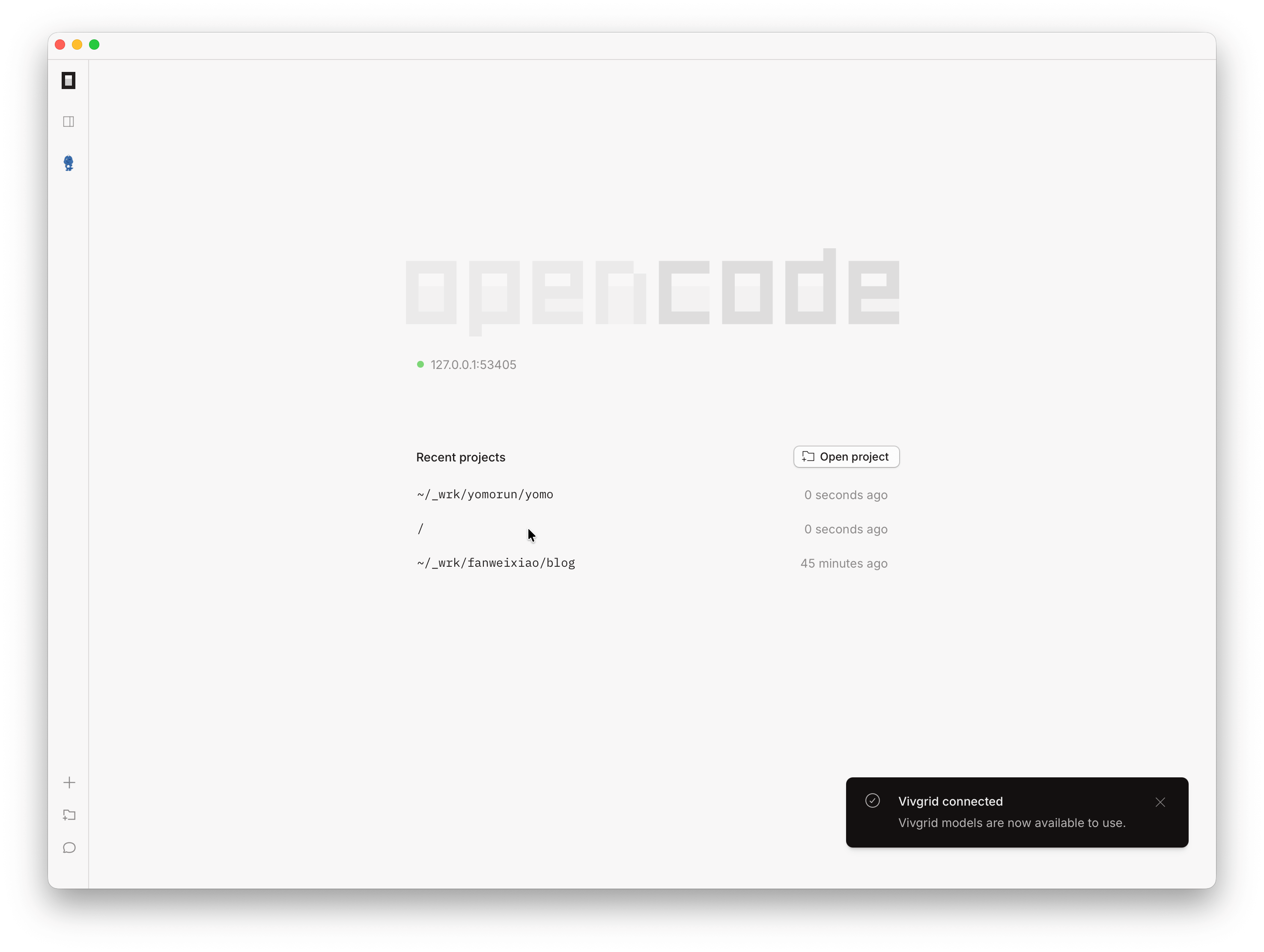
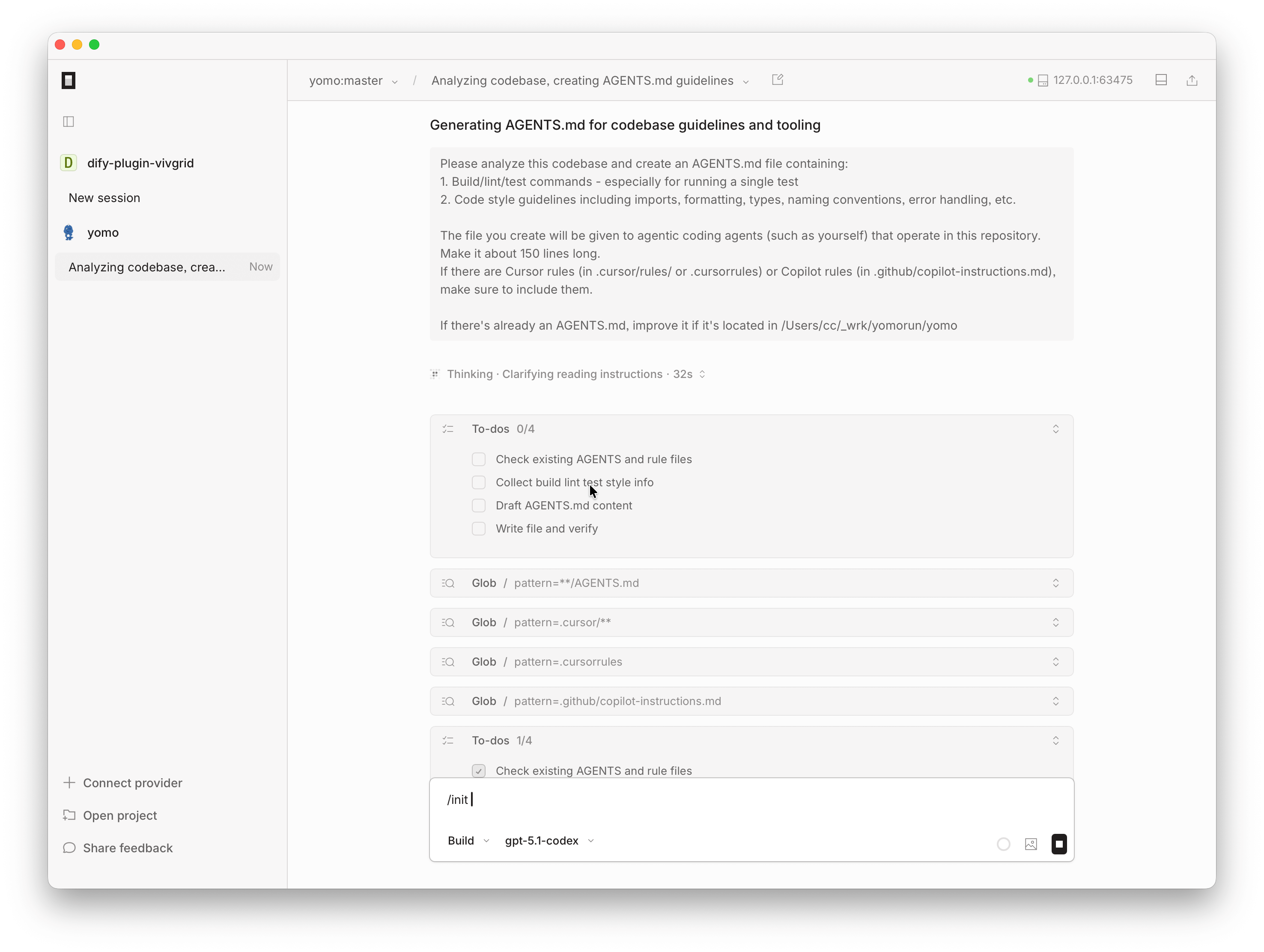
OpenCode with Vivgrid Provider