

Configure OpenClaw to Use Vivgrid
By configuring OpenClaw to use Vivgrid as its model provider, you can access advanced LLMs through a single, stable endpoint. Vivgrid acts as an LLM gateway that manages model selection, upgrades, and routing, so OpenClaw is not tied to a specific model or vendor.Step 1: Create a New Agent Project in Vivgrid
First, open the Vivgrid Console, create a new project, and select 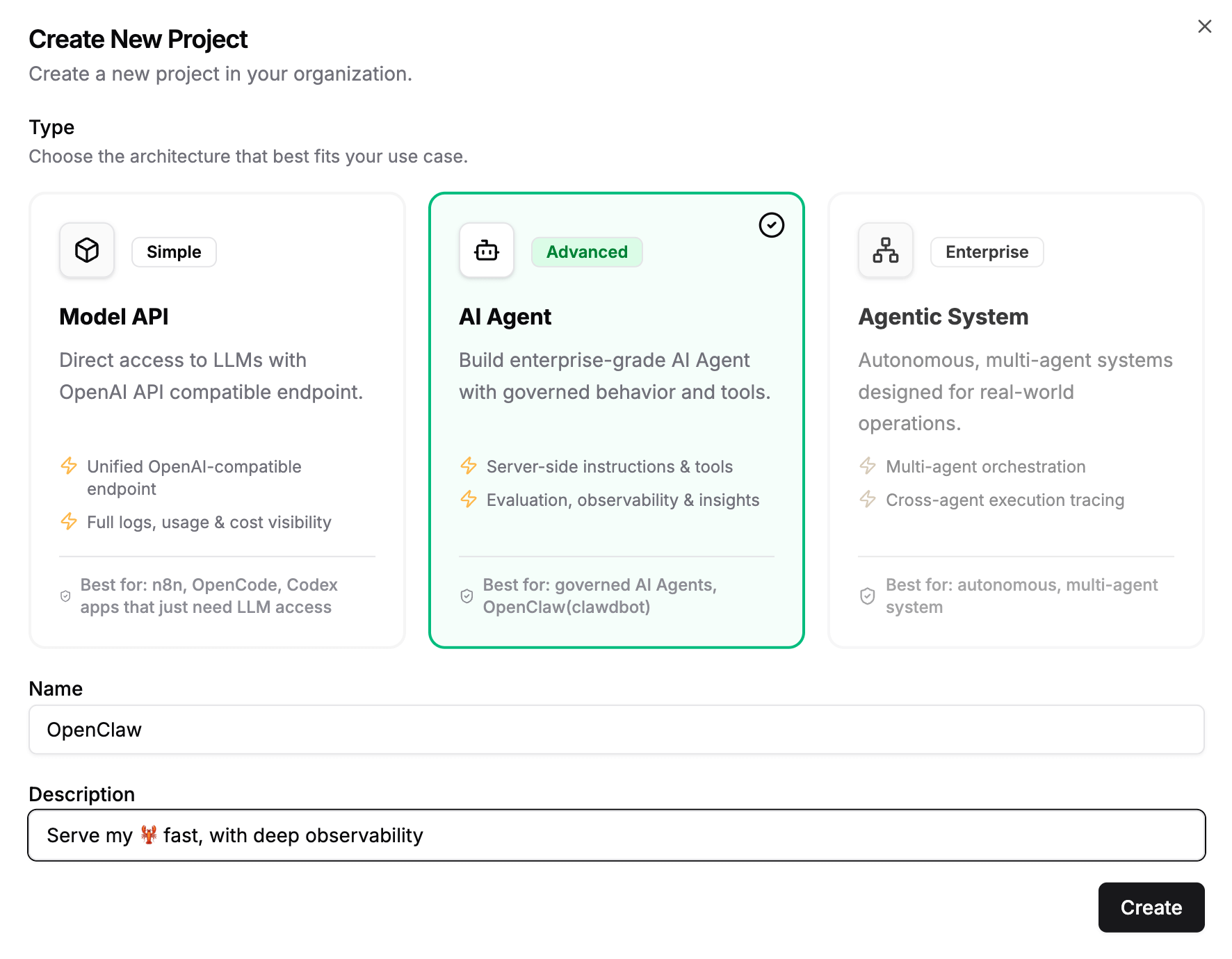
Agent Project:Step 2: Get your Vivgrid API Key
After creating the project, go to 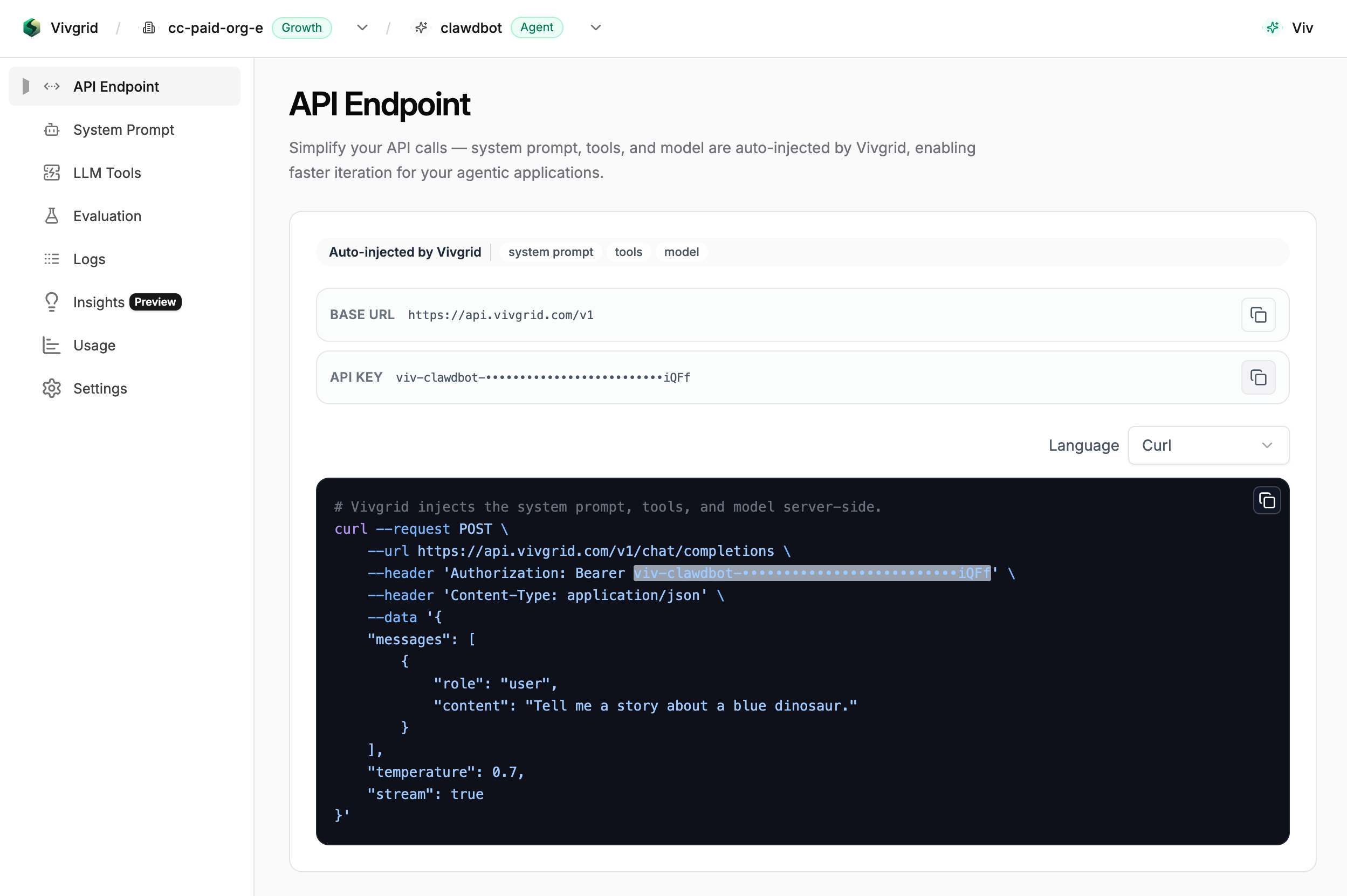
API Endpoint and copy your API key.Step 3: Configure OpenClaw to Use Vivgrid
Next, add Vivgrid as a model provider in your
openclaw.json configuration file, and set the agent’s primary model to vivgrid/auto:~/.openclaw/openclaw.json
Step 4: Restart the OpenClaw Service
After saving the configuration, restart the OpenClaw gateway service to apply the changes:
Best Practices
Usevivgrid/auto as the primary model for OpenClaw agents.
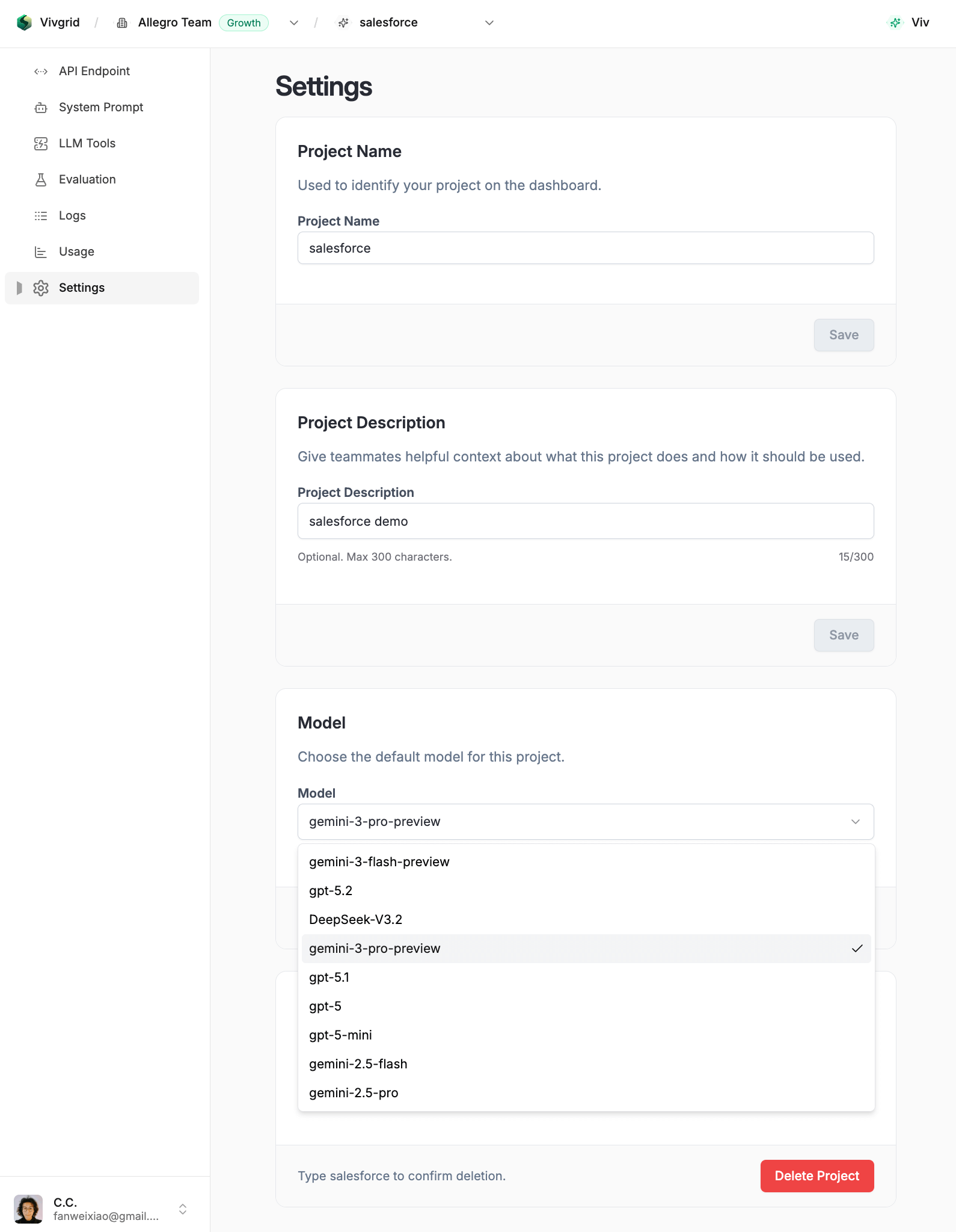
By setting the model to vivgrid/auto, OpenClaw connects to Vivgrid’s managed routing layer instead of a fixed LLM. This allows you to:
- Upgrade or switch underlying LLMs at any time in the Vivgrid Console
- Avoid changing
openclaw.jsonwhen models evolve - Eliminate service restarts for model upgrades
- Keep your agent configuration stable and future-proof