

OpenCode
OpenCode.ai is an open-source, model-agnostic AI coding agent designed to bring powerful AI assistance directly into developers’ workflows—whether you are working in the terminal, using a desktop application, or inside an IDE extension. Key features include:- Terminal-first, multi-interface design
A native terminal UI (TUI), with optional desktop and IDE extensions, allows developers to work in their preferred environment. - Context-aware intelligence
Language Server Protocol (LSP) integration enables deep understanding of project structure and symbols. - Multi-session collaboration
Run parallel agent sessions within the same repository and share them for collaborative debugging or review. - Privacy-first by design
Code and project context are not stored on remote servers, making OpenCode suitable for sensitive or proprietary codebases.
Configure OpenCode.ai to Use Vivgrid (GPT-5.1-Codex)
One of OpenCode’s core strengths is its clean separation between authentication and runtime model configuration. Credentials are configured independently from model selection, allowing you to switch providers or models without changing your workflow. To use Vivgrid as the provider andgpt-5.1-codex or gpt-5.1-codex-max as the model, you only need to configure as:
1
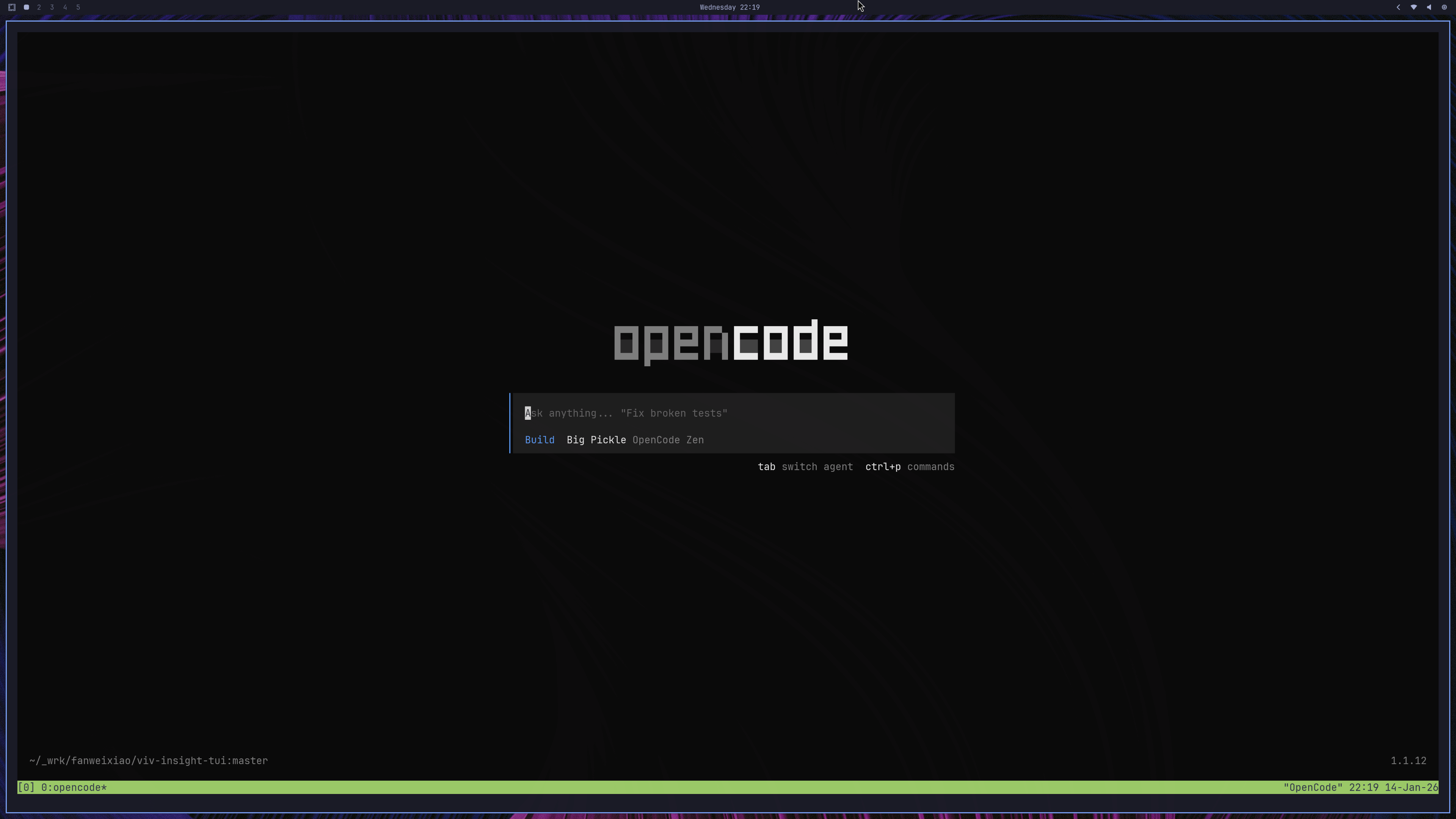
Step 1: Open OpenCode
2
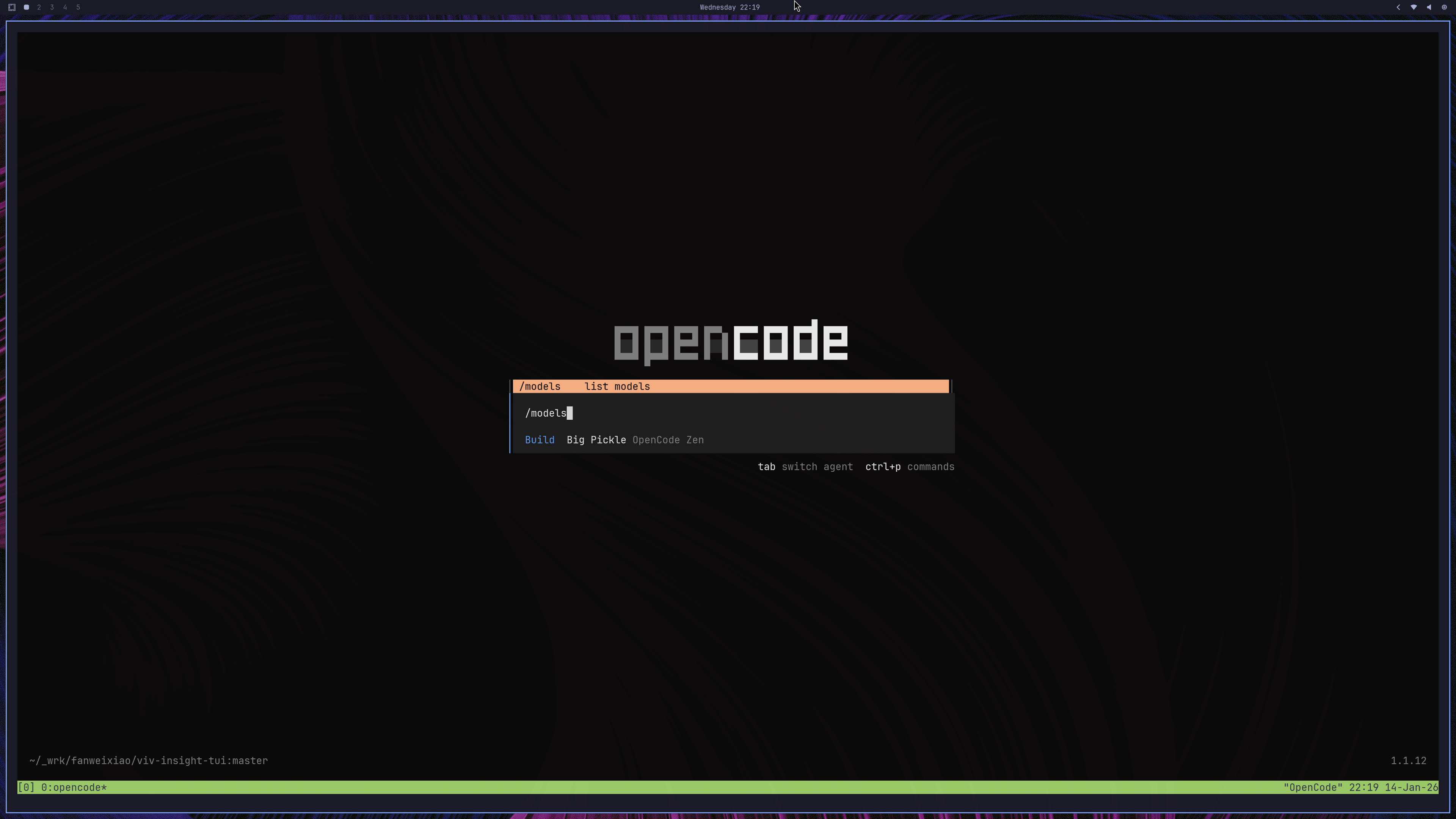
Step 2: `/models`
3
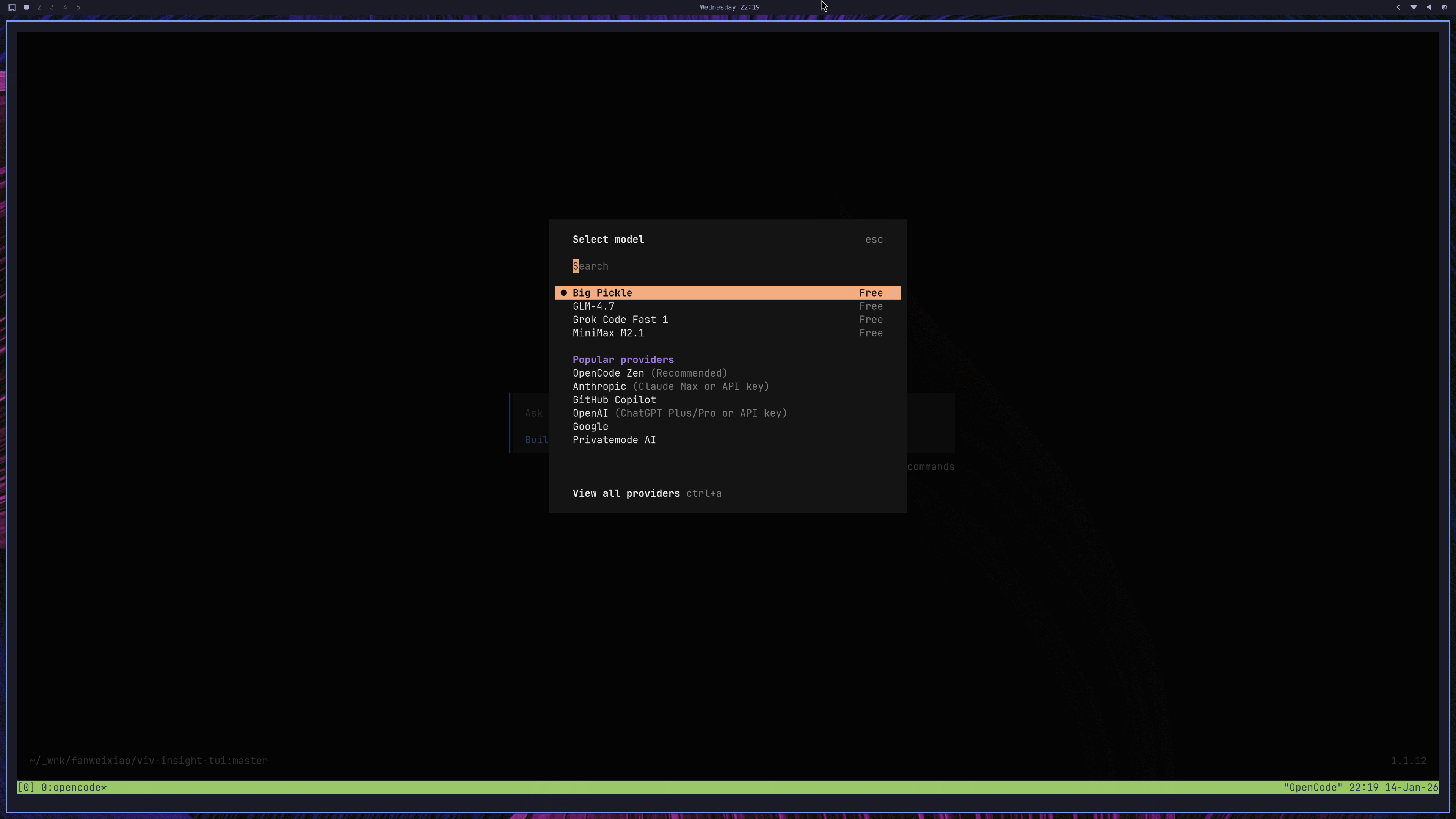
Step 3: Precess `ctrl-a` to see all providers
4
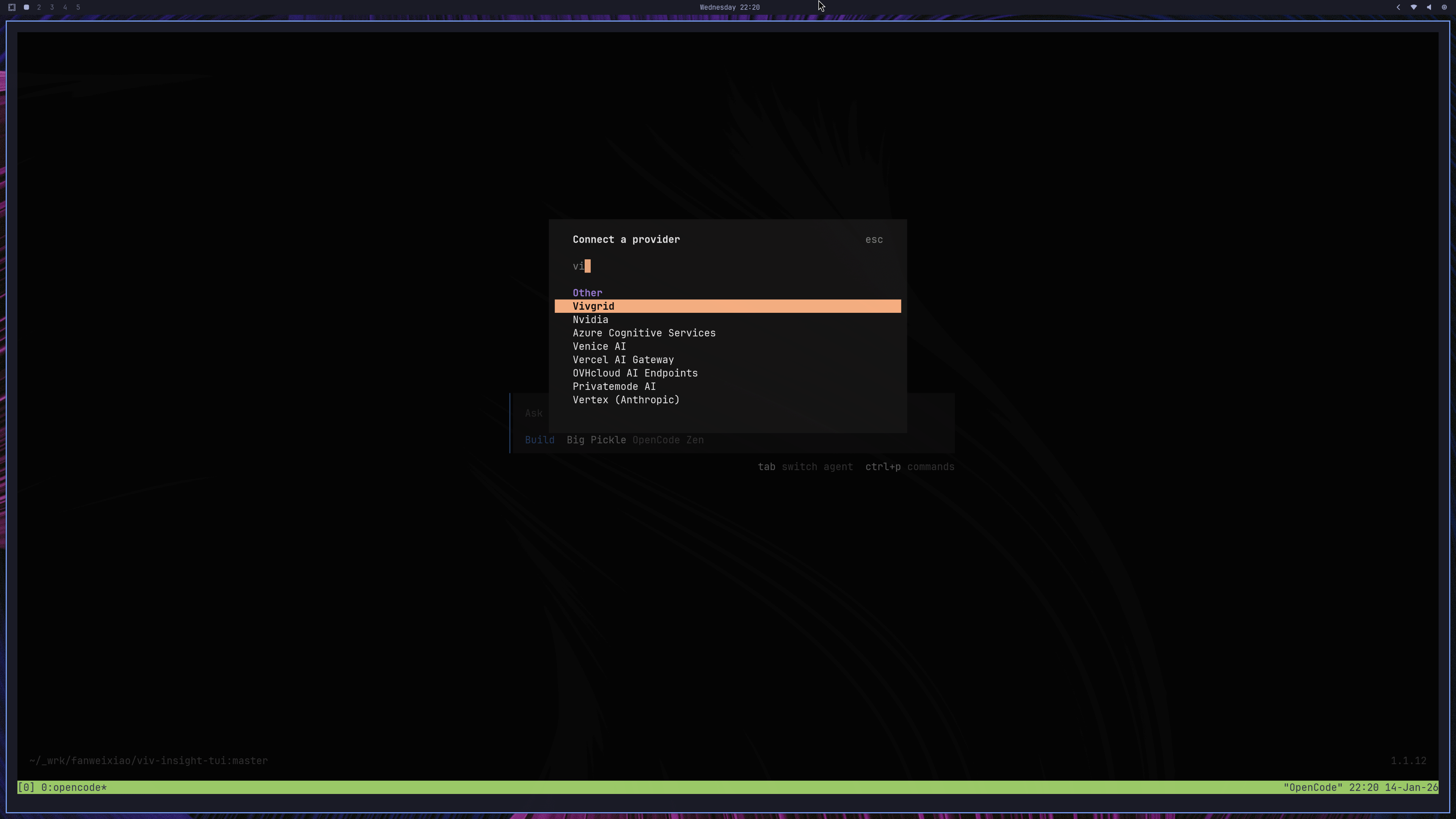
Step 4: Search `vivgrid`
5
Step 5: Enter your vivgrid api-key which can be grab from [Vivgrid Console](https://console.vivgrid.com)
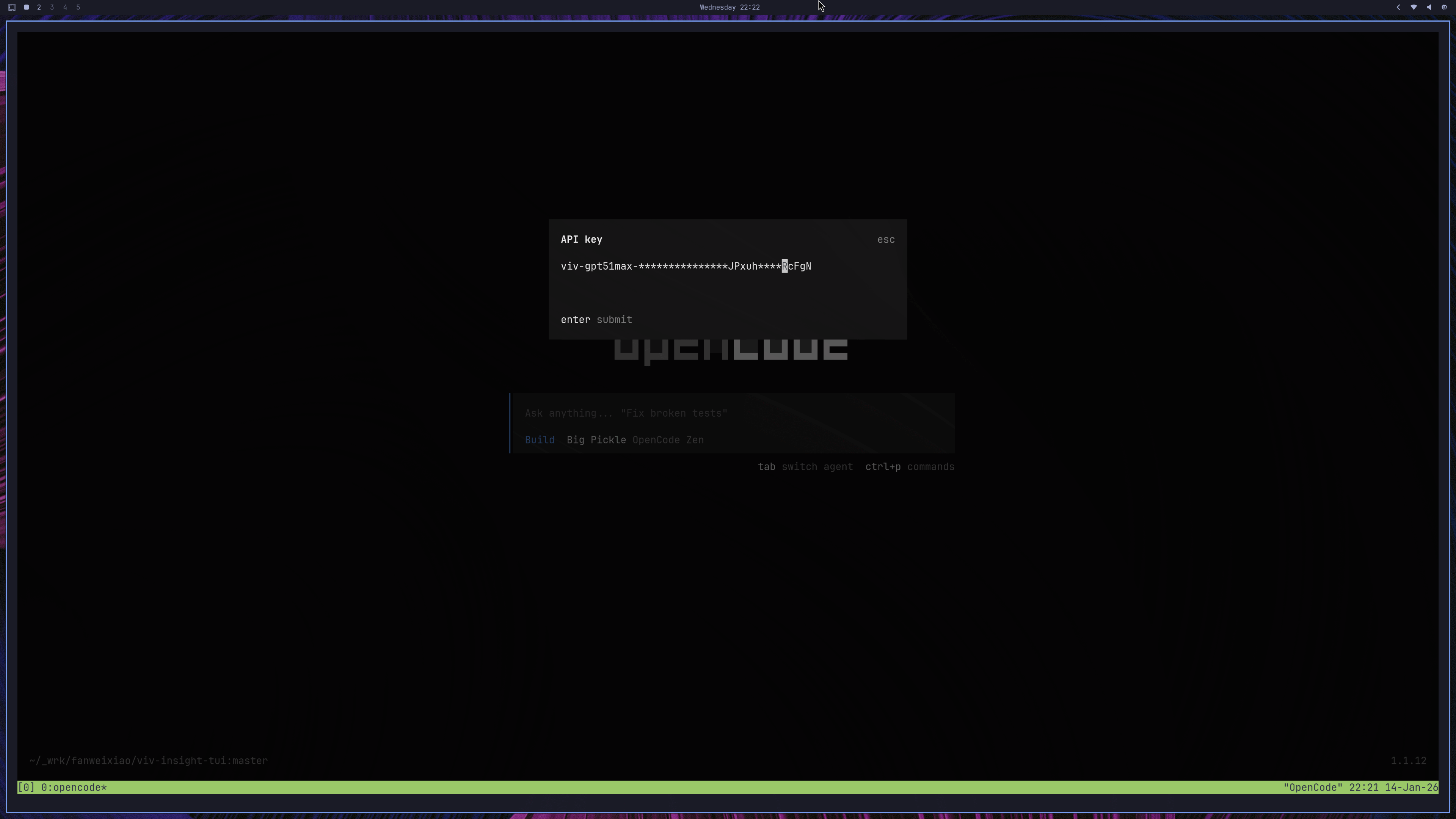
6
Step 6: Select models you want to use
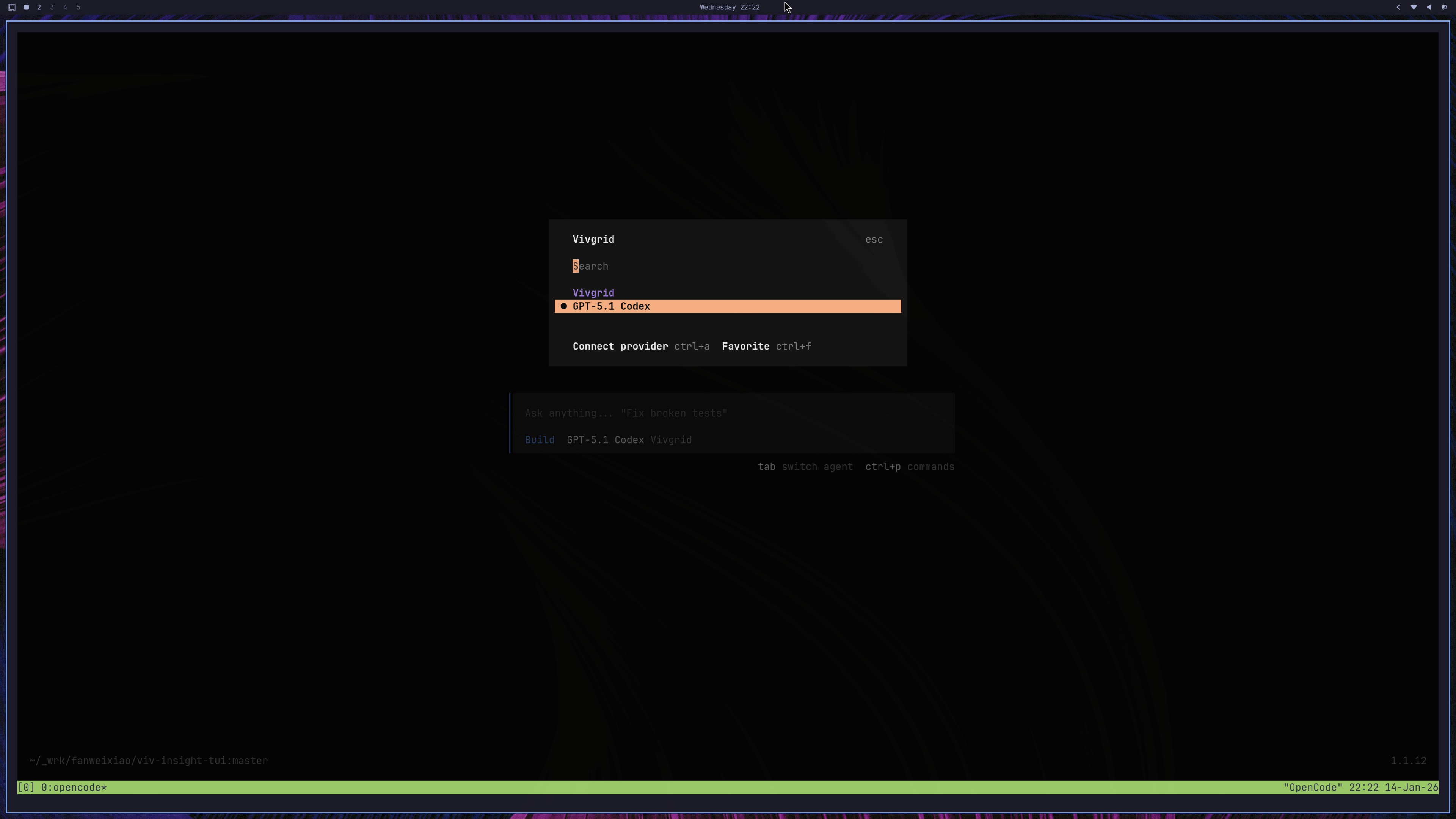
7
Step 8: Enjoy
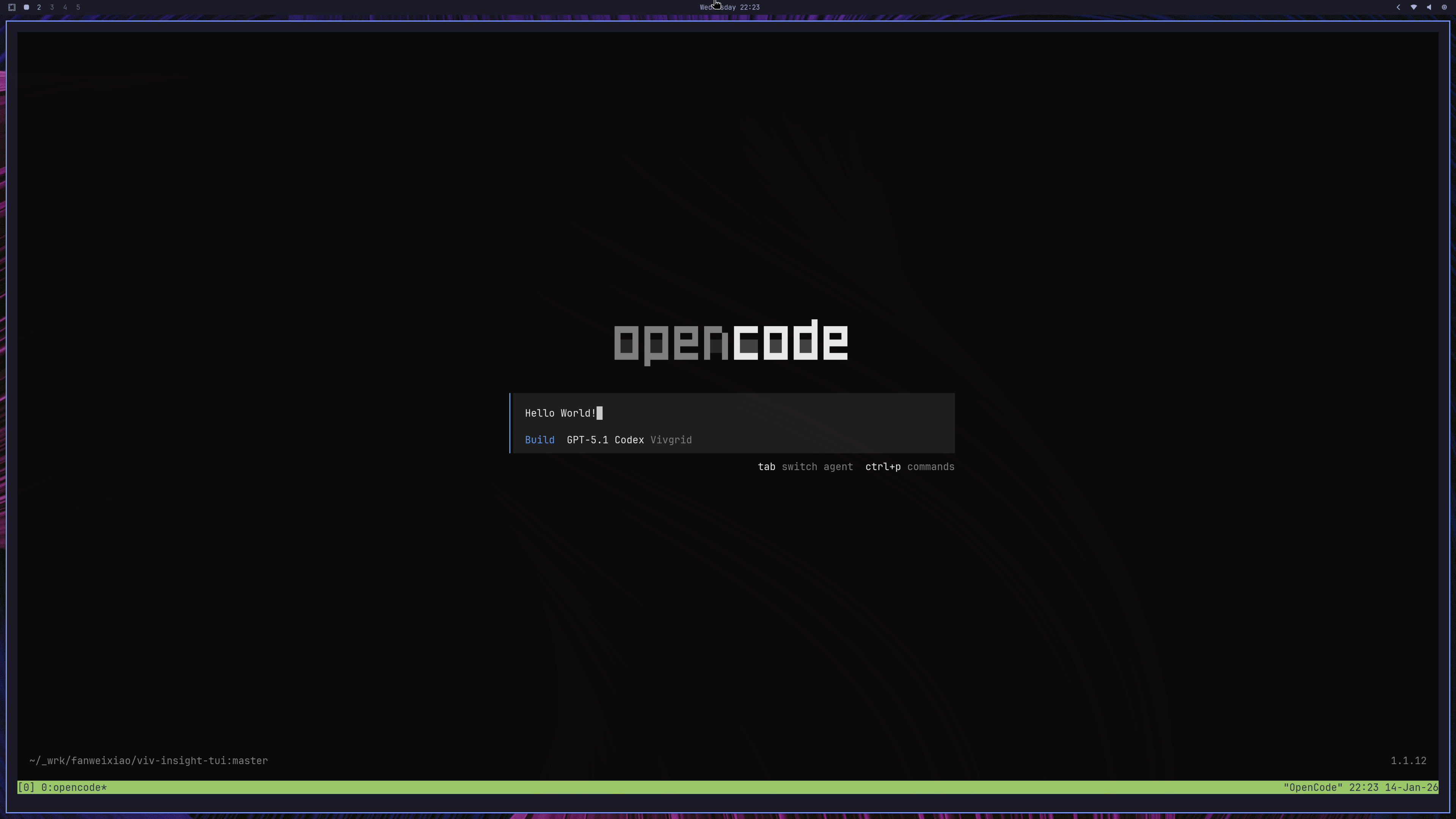
Debugging
If you encounter issues, enable detailed logs:5. GUI
This configuration also works for OpenCode GUI App.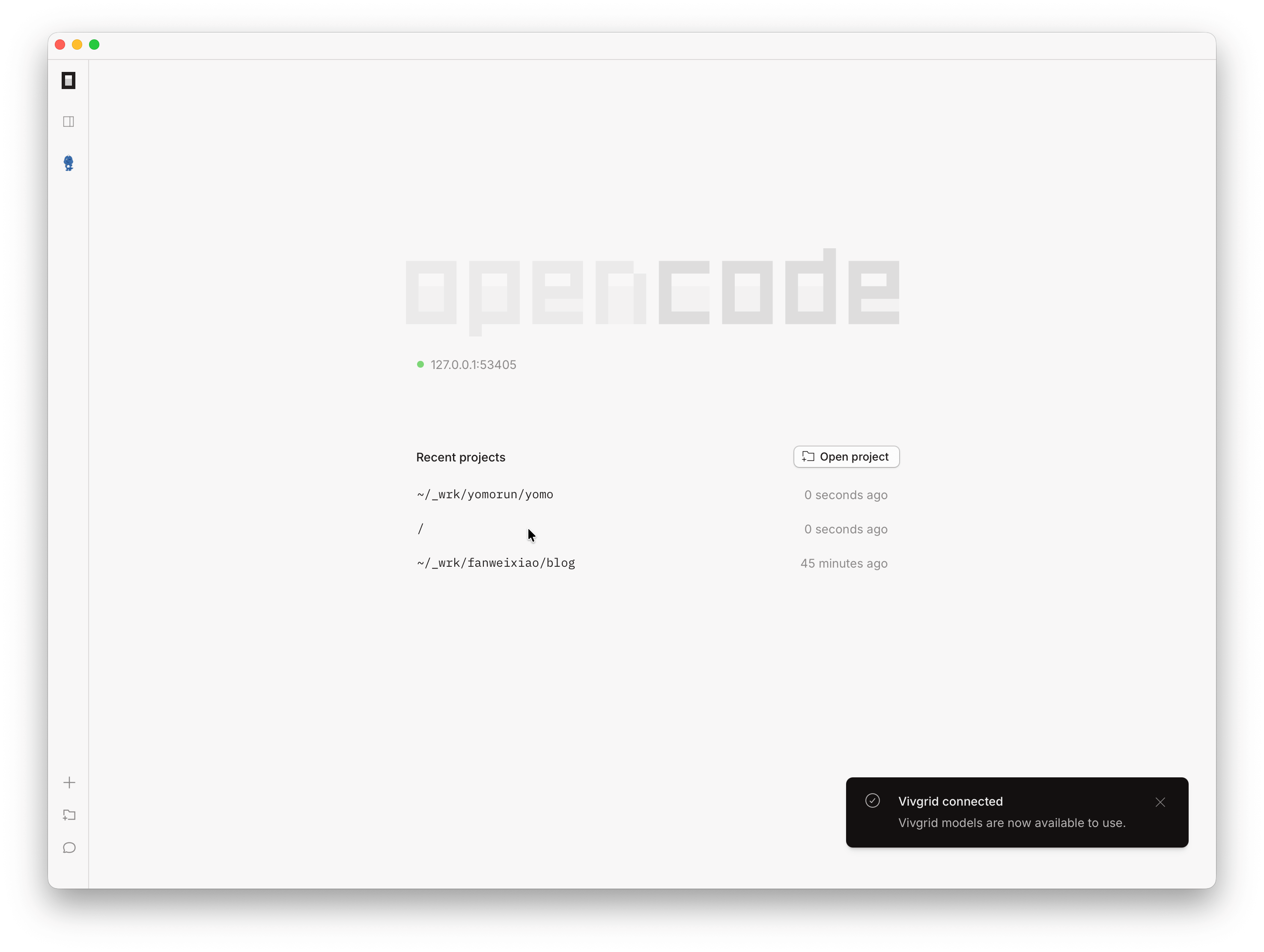
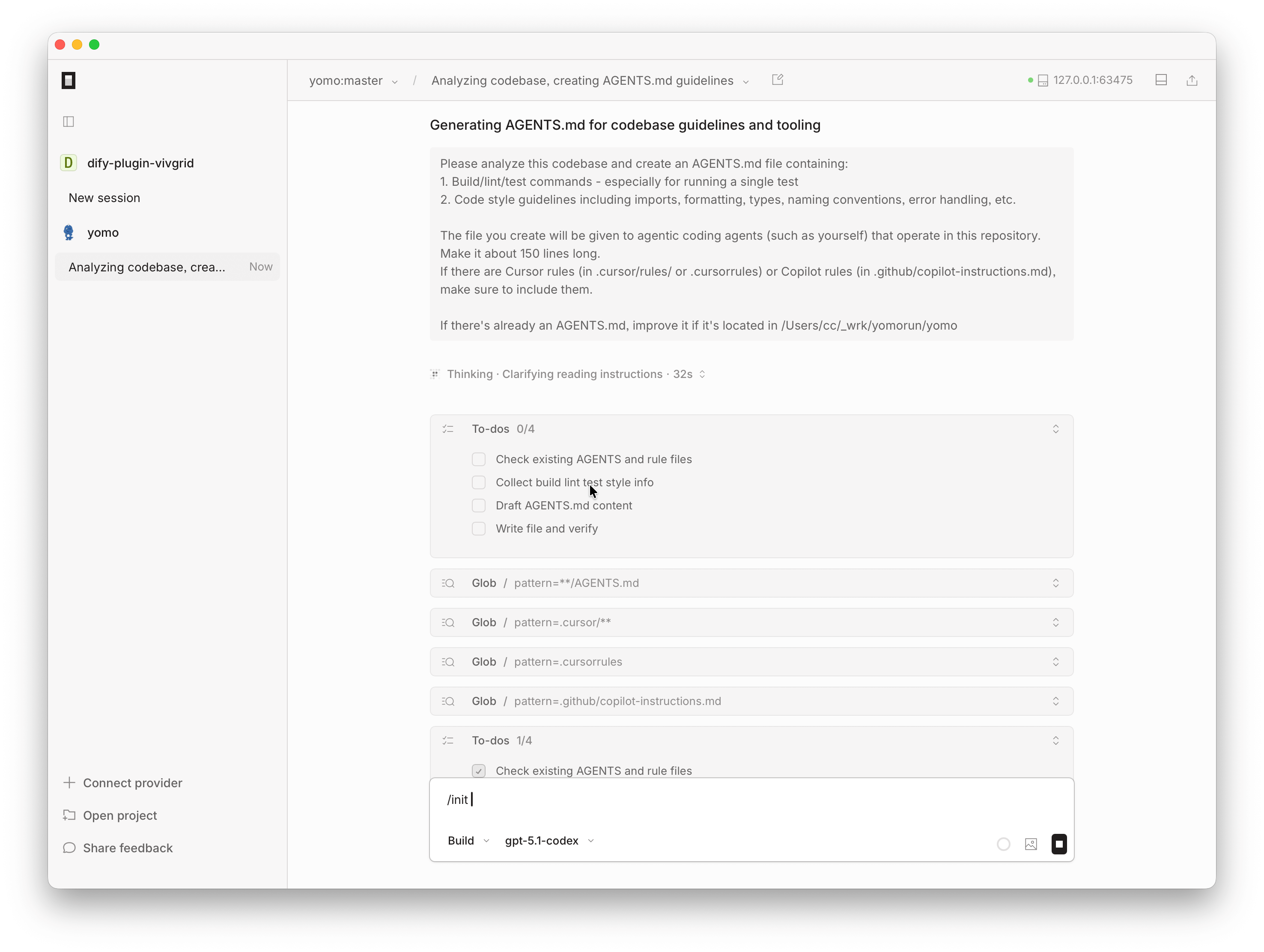
OpenCode with Vivgrid Provider